






A download helper for AI assistants.

Zeus is a free, open-source download manager that assistants such as Claude Code, Cursor and Codex use through MCP.

It resumes interrupted downloads, takes over downloads your browser could not finish, uses a website login only after you approve that site, and verifies each file. It runs on your computer.

  • Free and open source
  • Runs on your computer
  • No telemetry
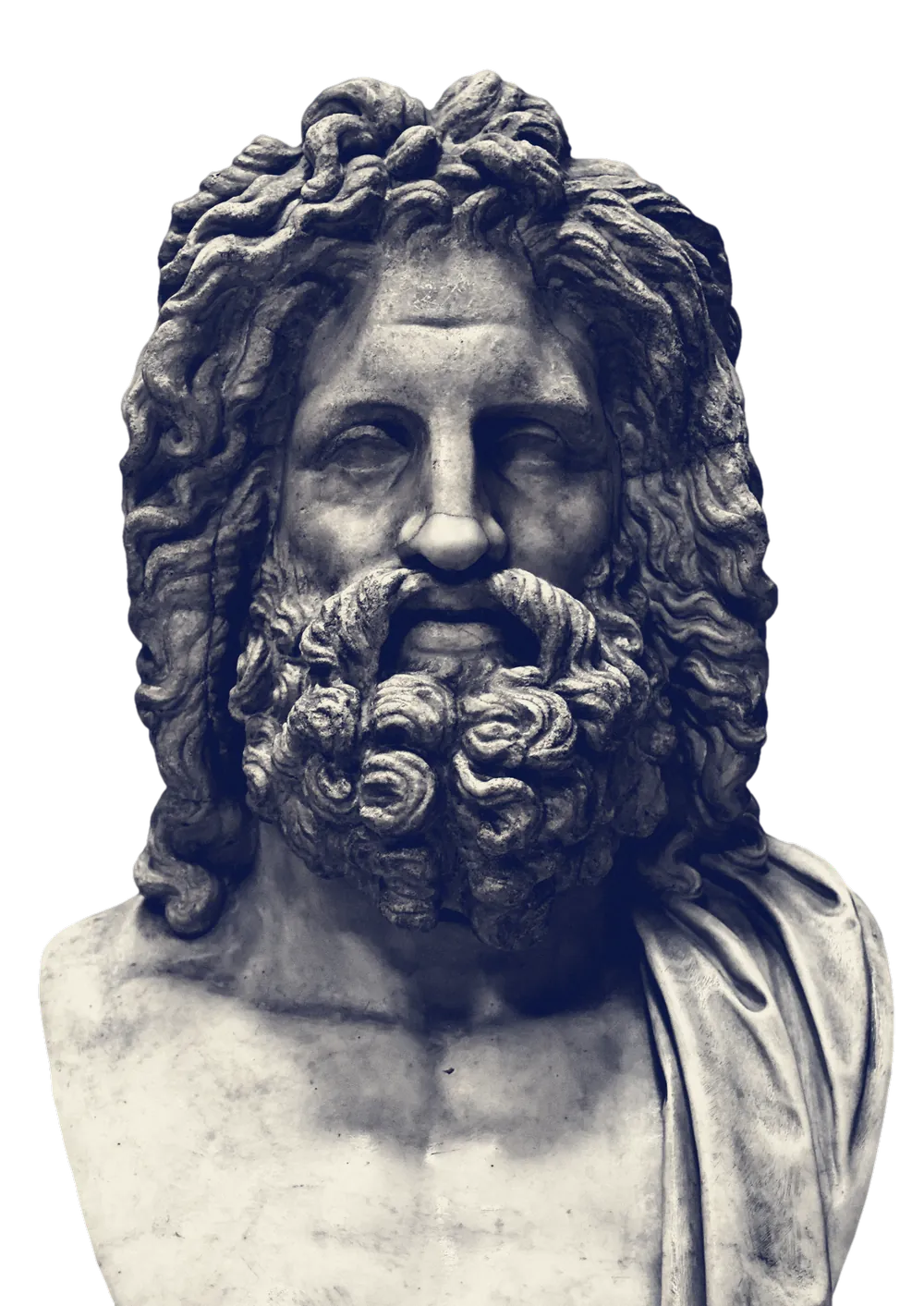
A marble bust of Zeus, the Zeus of Otricoli: a bearded face under thick curling hair, lit from the left by a flash of lightning

What is Zeus?

Zeus is a download manager for AI agents. When your assistant needs a file, Zeus downloads it, resumes after failures, can take over downloads your browser gave up on, uses a website login only after you approve that site, and verifies the result. It is made by Verne, runs locally and is open source.

Made by
Verne Ltd., Dhaka
Works with
Any assistant that supports MCP, plus a command line
Platforms
Windows x64 and Linux x64 pre-alpha builds; macOS later. Chrome and Edge extension: source only for now
Price
Free. Apache-2.0 open source
Status
Pre-alpha: release 0.0.1a, unsigned, for trying out

Why downloads are hard for AI assistants

Download links expire, files behind a login need a session that the assistant should not hold, and a large file that fails part-way often starts again from zero. The assistant then has to ask you to download it by hand.

A marble herm of Hermes: a bearded head with tight curls under a close cap of hair

Resuming a failed download

When a browser download fails, the browser usually has to start again. Zeus keeps the bytes already saved, checks that the server still has the same file, and fetches only the rest.

  • Continues from the last saved byte when the server supports ranged requests
  • Tells you when a server cannot resume, instead of silently starting over
  • Computes SHA-256 and BLAKE3 for the finished file and compares it with a checksum you supply

The animation on this page uses sample data.

dataset-2026.zipA 4.2 GB download in your browser
Readydataset-2026.zip · 4.2 GB

SHA-256 3b1f 9c07 … 52ae ✓ matches the publisher · BLAKE3 recorded · receipt saved

How it works

Your assistant hands the download to Zeus. Zeus asks you before it uses a login or does anything else sensitive.

  1. Your assistant sends the request

    You tell your assistant what you need. It passes the link and a destination to Zeus through MCP.

  2. Zeus downloads the file

    Zeus checks the file, splits it into parts when it can, resumes when the connection drops, and asks the browser for help if the site needs your login.

  3. You approve sensitive steps

    Anything sensitive, such as using a login, waits for your approval. When the file is finished it is verified, and your AI gets its location and fingerprint.

How Zeus works in detail

Approving a login

When a file is behind a login, your AI cannot approve the request itself. The request appears in your browser extension with the facts: which site, who asked, for what and for how long.

A marble bust of a bald, bearded man on a dark marble socle
  • Approvals come only from you, never from the AI
  • One website at a time, for once, 24 hours or one plan
  • Cookies are held in memory for at most 15 minutes and never saved

A simulation with sample data, not the real extension.

Your assistant, with Zeus

Features

What Zeus does for you, in plain terms. Every feature is described in full on the features page.

A Greek oil flask with a figure of Athena holding a shield with a serpent, between two cockerels

Resumes interrupted downloads

After a dropped connection, a crash or a reboot, Zeus keeps the bytes it has already saved. It records every saved part in a crash-safe journal and continues from the last committed byte, as long as the server supports resuming.


Parallel parts for large files

When a server allows it, Zeus fetches a large file in several parts at once over a limited number of connections, so one slow connection does not hold up the whole file and the site is not flooded with requests.

Takes over failed browser downloads

When a download fails in Chrome or Edge, the Zeus extension offers to hand it to Zeus, which continues from the bytes the browser already saved when the server supports it.

Logins only with your approval

Some files are behind a login. Zeus can use that website session, but only for a site you approve and for the time you choose. Cookies are held in memory for at most 15 minutes and are never written to disk or sent anywhere else.

File verification

Each finished file gets SHA-256 and BLAKE3 fingerprints and a receipt that records where it came from and when. If a file does not match a checksum you supplied, Zeus reports the mismatch.

Works with MCP assistants

Zeus offers its download tools through MCP, the open standard for giving AI apps tools, so assistants such as Claude Code, Cursor and Codex can call it. The assistant sends a request and Zeus reports the result.

All features

Safety rules

Zeus can use your website logins, so it follows fixed rules. They are part of its design and its code, and the source is public on GitHub so anyone can check them.

A marble bust of Athena in a crested helmet, wearing the aegis with a Medusa head on the chest
  1. Only you approve

    Your AI can ask. It cannot approve, extend a permission or see a cookie.

  2. Browser cookie files are never read

    Zeus never opens the browser’s cookie or password files. Sessions come only through the extension, with your consent.

  3. No telemetry

    No telemetry, no analytics, no account. Your history and permissions stay on your computer.

  4. No bot-check evasion

    Zeus does not solve captchas, disguise itself as a browser or break copy protection. If a site wants a person, Zeus asks you.

Read the safety details

Use cases

Three of the six kinds of people Zeus is built for. The use cases page has all six.

A Greek wine jug painted with Europa riding a bull

Researchers and students

Papers, datasets and supplementary files from journal sites and university portals you can already sign in to. Zeus downloads them with your approval and keeps a receipt of the source for your references.

Read more

AI tinkerers

Let Claude Code, Cursor or Codex fetch model weights, sample data and release files while you keep working. If a 20 GB download drops, it resumes instead of starting again.

Read more

Archivists and collectors

Large collections you have the right to keep, such as public-domain archives or your own exported data, fetched and checked file by file, with a record of where each came from.

Read more

Questions

Short answers to the questions people ask first. The FAQ page has the rest.

A Greek red-figure mixing bowl painted with gods standing beside a chariot
What is Zeus?

Zeus is a free, open-source download helper for AI assistants, made by Verne. Your AI asks it to download something; Zeus fetches the file reliably, uses a website login only if you approve, checks the file and tells your AI where it is. It runs on your own computer.

Can I download Zeus today?

Yes, as a pre-alpha. Release 0.0.1a has a Windows installer, Linux packages and the zeus, zeusd, zeus-native-host and zeus-web-bridge programs, and you can try the client in your browser on a hosted sandbox first. The binaries are unsigned and not yet tested on many machines. See Get started.

How much does Zeus cost?

Nothing. Zeus is free and open source under the Apache-2.0 license. There is no account and no subscription. If Verne ever offers optional paid services, such as syncing between devices for teams, they will be separate and will never be needed for downloading or handle your logins.

Does Zeus read my browser’s saved passwords or cookies?

No. Zeus never opens your browser’s cookie or password files. When a download needs a login, the Zeus browser extension asks you first, then passes the cookies for that one website directly to the Zeus app on your computer. They stay in memory for at most 15 minutes and are never written to disk, logged or sent anywhere else.

Can my AI approve things on my behalf?

No, by design. Your AI can ask for a login or a risky action, but approvals are only accepted from you, through your own keyboard or the browser extension. A web page that tries to trick your AI into “approving” something cannot get past this, because the AI has no way to approve.

All questions

Try the pre-alpha

Zeus 0.0.1a is a pre-alpha release: try it in your browser on a private sandbox, or download it for Windows or Linux. Expect rough edges.